

Every experienced property manager started exactly where you are now: with a property, a tenant, and no real system.
Maybe you bought your first rental and figured you’d sort out the admin as you went. Maybe you inherited a property. Maybe you scaled up faster than you expected. However you got here, you’re now looking at a growing list of responsibilities, rent collection, maintenance tracking, lease management, expense recording, tenant communication, and asking the same question everyone asks at this stage:
“How do I actually organize all of this?”
This guide gives you a complete, practical answer. It’s structured as a five-phase setup process you can work through in order, each phase building on the last, so that by the end, you have a functioning property management system that works whether you have one unit or twenty.
We’ll also be honest about where spreadsheets and free tools hit their ceiling, and when purpose-built software becomes not just helpful, but necessary.
Why Most Landlords Never Build a Proper System
The most common reason landlords operate without a system isn’t laziness, it’s timing. You buy a property, place a tenant, start collecting rent, and everything is manageable for the first few months. By the time things get complicated, you’re already mid-stream with habits baked in.
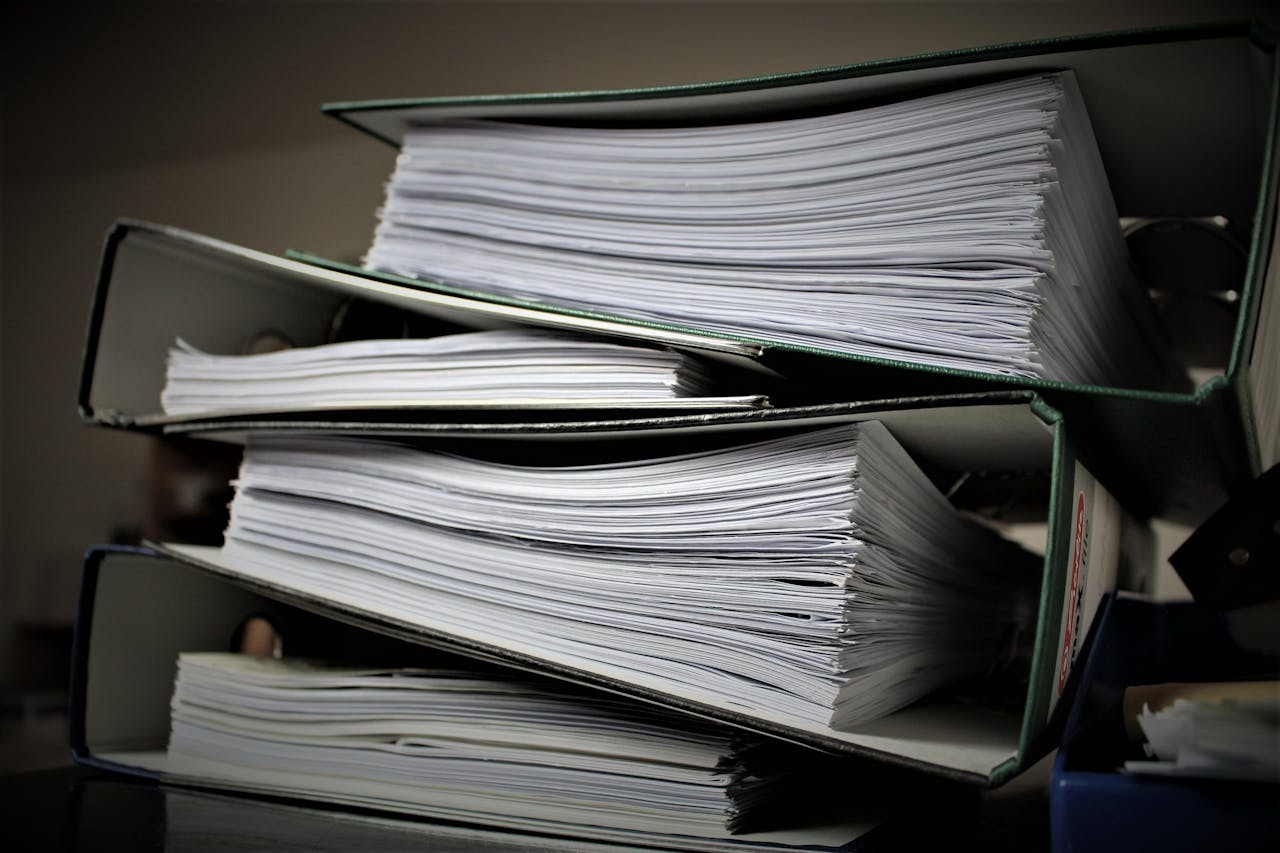
The result is a patchwork: Rent payments tracked in one place, maintenance notes in another, lease documents in a folder, expenses in a shoebox, and tenant contacts saved only in your phone.
This works until it doesn’t. And when it stops working, at the worst possible moment, usually during an eviction or a tax audit, the cost of not having a system becomes very clear, very fast.
| “The best time to set up a property management system is before you need it. The second best time is today.”
— Property management industry axiom, widely attributed across PM communities |
The five-phase setup below is designed to be built now, before your next lease renewal, before tax season, before you add the next unit. Each phase takes one to three hours to complete. You can do the whole thing in a weekend.
Phase 1: Document Everything You Already Have
| 1
PHASE |
The Inventory Phase
Time required: 2–3 hours | Tools needed: Any text editor or spreadsheet Before building a system, you need to know exactly what you’re managing. This phase is about capturing all existing information in one place, properties, tenants, leases, expenses, so you have a complete starting inventory to import into whatever system you build. |
What to document for each property:
- Property address, unit count, type (single-family, multi-family, commercial)
- Purchase date and price, mortgage details, current estimated value
- Insurance policy number, provider, annual premium, renewal date
- Utility accounts (which are landlord-paid vs. tenant-paid)
- HOA details (if applicable), fees, rules, contact
- Property tax amount, due dates, payment method
What to document for each tenant:
- Full legal name, date of birth, government ID on file
- Contact information: phone, email, emergency contact
- Lease start and end date, monthly rent amount, security deposit held
- Payment history, even approximate, for the last 12 months
- Outstanding maintenance issues currently open or recently resolved
| 💡 PRO TIP
Don’t skip properties you think you already know well. You will discover gaps, a missing lease end date, an insurance renewal you haven’t checked in two years, a utility account you forgot is still in your name. These gaps are exactly why you’re building this system. |
Phase 2: Set Up Your Financial Tracking
| 2
PHASE |
The Money Phase
Time required: 2–4 hours | Tools needed: Dedicated bank account + accounting system This is the most important phase for long-term financial health. How you organize rental property finances from the start determines how easily you can track profitability, prepare taxes, and make acquisition decisions for years to come. |
Step 1, Separate your finances completely
If you don’t already have a dedicated bank account for each rental property (or at minimum one account for all rental activity), this is your first action item. Mixing personal and rental finances is the #1 source of tax headaches and legal exposure for small landlords.
Open a business checking account. Route all rental income into it. Pay all property expenses from it. This single discipline makes rental income tracking dramatically simpler and gives you a clean audit trail if you’re ever questioned by the IRS.

Step 2, Create a chart of accounts
A chart of accounts is simply a categorized list of every income type and expense type relevant to your portfolio. For rental properties, a standard chart of accounts covers:
| INCOME CATEGORIES | EXPENSE CATEGORIES |
| ✅ Rental income (by property) | ✅ Mortgage / loan interest |
| ✅ Late fees collected | ✅ Property taxes |
| ✅ Security deposits (held) | ✅ Insurance premiums |
| ✅ Application fees | ✅ Maintenance & repairs |
| ✅ Laundry / parking income | ✅ Property management fees |
| ✅ Utilities (if landlord-paid) | ✅ HOA dues |
| ✅ Other income | ✅ Depreciation (accountant-calculated) |
Every transaction you record should map to one of these categories. This structure is what makes Schedule E preparation, the IRS form for rental income, straightforward at tax time.
Step 3, Choose your recording tool
For 1–3 units, a well-structured spreadsheet can work. For 4+ units, you will save more time than the software costs by using a purpose-built tool. At this stage, your options are:
- Spreadsheet (Google Sheets / Excel): Free, flexible, works for 1–3 units. Requires manual discipline and has no automation.
- QuickBooks / Wave: General accounting tools that can be adapted for rental property. Good for finances, but no tenant or maintenance management.
- Property-specific software (Yardi Breeze, AppFolio, Buildium): Built for landlords. Handles accounting and tenant management and maintenance in one platform. Recommended from 4 units upward.
Phase 3: Standardize Your Lease and Tenant Onboarding
| 3
PHASE |
The Tenant Systems Phase
Time required: 3–4 hours (one-time setup) | Tools needed: Lease template + tenant intake checklist Every new tenant should go through exactly the same process. Standardization removes inconsistency, creates documentation, and protects you legally. This phase builds the templates and checklists you’ll use for every future tenant relationship. |
Your tenant onboarding checklist:
- Rental application: Standardized form covering employment, income, rental history, references. Every applicant, every time.
- Screening: Credit check, background check, eviction history, using the same criteria for every applicant (fair housing compliance).
- Lease agreement: Use a state-specific lease template reviewed by a local attorney. It should cover rent amount, due date, late fee policy, maintenance responsibilities, pet policy, and notice requirements.
- Move-in inspection: A written, signed inspection report documenting unit condition at move-in. Photographs with timestamps. This is your protection against security deposit disputes.
- Tenant welcome packet: Rent payment instructions (how, when, where), maintenance request process, emergency contacts, building rules.
- Security deposit documentation: Written receipt, amount held, account it’s held in, conditions for deduction. Required by law in most states.
| ⚖️ LEGAL NOTE
Lease requirements, security deposit rules, and fair housing obligations vary significantly by state and municipality. This guide is educational only and does not constitute legal advice. Always have your lease template reviewed by a qualified real estate attorney in your jurisdiction before using it. Resources: Your state’s landlord-tenant law (searchable via your state AG’s website) and the National Apartment Association (naahq.org) offer jurisdiction-specific guidance. |
Phase 4: Build Your Maintenance Workflow
| 4
PHASE |
The Operations Phase
Time required: 1–2 hours (setup) + ongoing discipline | Tools needed: Maintenance log + contractor list Maintenance is where manual systems most commonly fail. This phase builds a simple but reliable workflow for capturing, assigning, and tracking every maintenance request, so nothing is ever handled by memory alone. |
The minimum viable maintenance system:
- Single intake channel: Give tenants one way to submit maintenance requests, ideally a written method (email, online form, or portal) that creates an automatic record. Not phone calls. Not texts.
- Acknowledgment within 24 hours: Every request gets a written response confirming you’ve received it and a timeframe for resolution. This is both good service and legal protection.
- A maintenance log: A simple running record of every request, date received, unit, issue description, contractor assigned, date resolved, cost. Even a basic spreadsheet works at small scale.
- A vetted contractor list: Pre-established relationships with a plumber, electrician, HVAC tech, and general handyman in your market. Having a contractor before you need one is what separates fast response from a two-week delay.
- Cost recording per property: Every repair cost logged against the correct property in your financial system. Maintenance expenses are tax-deductible; only tracked expenses get deducted.
As your portfolio grows, this manual workflow becomes increasingly difficult to sustain. The moment you have more than 5 units or more than one person handling maintenance coordination, you need a dedicated maintenance module within your property management platform, with ticket assignment, status tracking, contractor notifications, and cost integration built in.
Phase 5: Set Up Your Reporting Rhythm
| 5
PHASE |
The Review Phase
Time required: 30 minutes/week ongoing | Tools needed: Your financial system + calendar reminder A system without a review rhythm is just a filing cabinet. This phase builds the habit of actually using your data, catching problems early, measuring performance, and making decisions based on numbers rather than gut feel. |
Your weekly 30-minute property review:
- Rent collection status: Who has paid, who hasn’t. Follow up on any outstanding payments.
- Open maintenance tickets: Any requests unresolved for more than 5 days. Any costs incurred this week.
- Upcoming lease dates: Any leases expiring in the next 90 days. Begin renewal conversations early.
- New applicants: Any pending applications to review or decisions to make.
Your monthly 1-hour financial review:
- Income vs. budget: Did each property hit its rental income target? Any vacancies?
- Expense categories: Any categories running over budget? Any unexpected costs to address?
- Net operating income per property: Is each property profitable after all expenses? Any underperformers to evaluate?
- Cash reserve check: Do you have 3–6 months of expenses in reserve per property? This is your risk buffer.

This review habit is the single most important practice separating casual landlords from professional property operators. The data is only valuable if you look at it. Thirty minutes a week is what it takes to catch a problem when it’s small, before it becomes a crisis.
When to Graduate From Spreadsheets to Software
The five-phase system above can be run on spreadsheets for a small portfolio. But spreadsheets have real limits, and knowing when you’ve hit them saves you from a painful transition at exactly the wrong time.
| SPREADSHEETS WORK FINE WHEN… | TIME TO MOVE TO SOFTWARE WHEN… |
| You have 1–3 units | You have 4+ units |
| One tenant, manageable manually | Multiple active leases to track |
| Occasional maintenance, easy to log by hand | Regular maintenance across multiple properties |
| You do your own bookkeeping | You work with a CPA or bookkeeper |
| You self-manage and are rarely busy | You have a day job or other business |
| No plans to scale in the next 12 months | You plan to add units in the next year |
The inflection point for most landlords is 4–5 units. Below that, the time savings from software may not justify the cost and setup. Above it, the cost of not having software, in time lost, mistakes made, and opportunities missed, consistently exceeds the platform fee.
The most widely adopted platform for professional property management in the USA is Yardi, with Yardi Breeze designed for landlords managing up to a few hundred units and Yardi Voyager for enterprise-scale operations. Both handle all five phases above in a single integrated system.
| 🔍 LSI KEYWORDS USED IN THIS SECTION
when to use property management software, landlord software decision, Yardi Breeze landlord, property management platform comparison, spreadsheet vs software landlord, rental property software |
Your First-Week Action Plan
Reading this guide is the start. Here’s what to actually do this week:
- Day 1–2: Complete Phase 1. Document every property and tenant. Fill every gap you find.
- Day 3: Open a dedicated rental bank account if you don’t have one. Set up your chart of accounts.
- Day 4: Review your current lease templates. Identify what’s missing. Schedule a review with a local attorney if needed.
- Day 5: Write down your current maintenance process, every step. Identify every point where something could be dropped. That’s your gap list.
- Weekend: Set a recurring 30-minute calendar block every Monday for your weekly review. Do the first one now, even if there’s nothing to review yet. The habit matters more than the data at this stage.
| THINKING ABOUT YARDI? START HERE
If your portfolio is at or approaching the 4–5 unit threshold, now is the right time to evaluate Yardi. The most important thing to know: Yardi’s power is in its configuration. A properly set up Yardi installation runs almost on autopilot. A hastily configured one creates as many problems as it solves. Read next: “What Is Yardi? A Plain-English Guide for Property Managers”, or jump straight to the full comparison: “Best Property Management Software in the USA (2025 Honest Breakdown)” |
Final Thoughts
Setting up a property management system from scratch doesn’t require expensive software, a business degree, or years of experience. It requires structure, a deliberate decision to stop managing by memory and start managing by system.
The five phases above give you that structure. Work through them in order, fill the gaps in your current setup, and build the review habit. That foundation is what makes everything else, scaling, hiring, optimizing, automating, possible.
And when your portfolio grows to the point where those systems need more horsepower, the right software is ready for you. The key is knowing what you’re building toward, so you design your current systems to be replaced smoothly, not painfully.
| WORK WITH A YARDI CONSULTANT
When you’re ready to move from a manual system to Yardi, whether that’s Yardi Breeze for a growing residential portfolio or Yardi Voyager for enterprise operations, I help you set it up correctly from day one. Proper configuration, clean data migration, and team training that gets you operational fast. Let’s talk. |